← All work
2025Oct to Dec 2025
Case study 04 · Web · Branding

FitsEveryday: a streetwear brand, designed, coded and launched solo.

A 14-week project where I created a clothing brand and its online store from scratch. I did the logo and apparel, the UI, the HTML, CSS and JavaScript, and the domain and hosting.
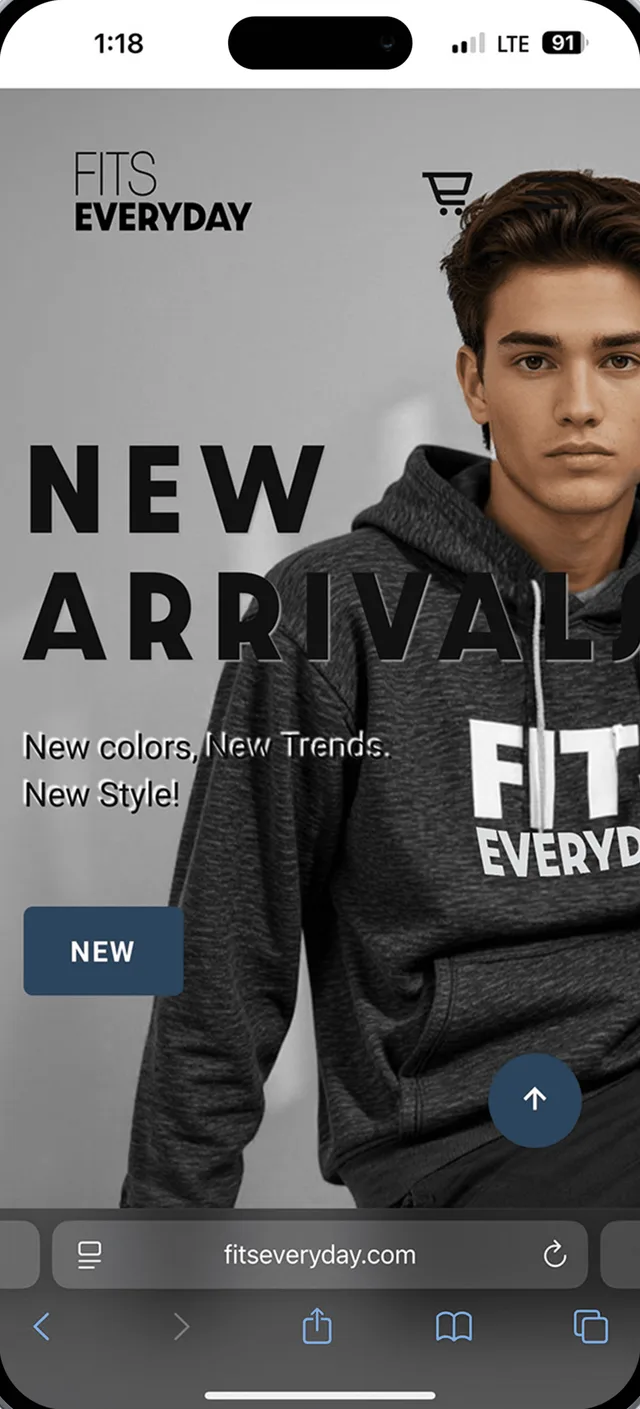
🔒 fitseveryday.com
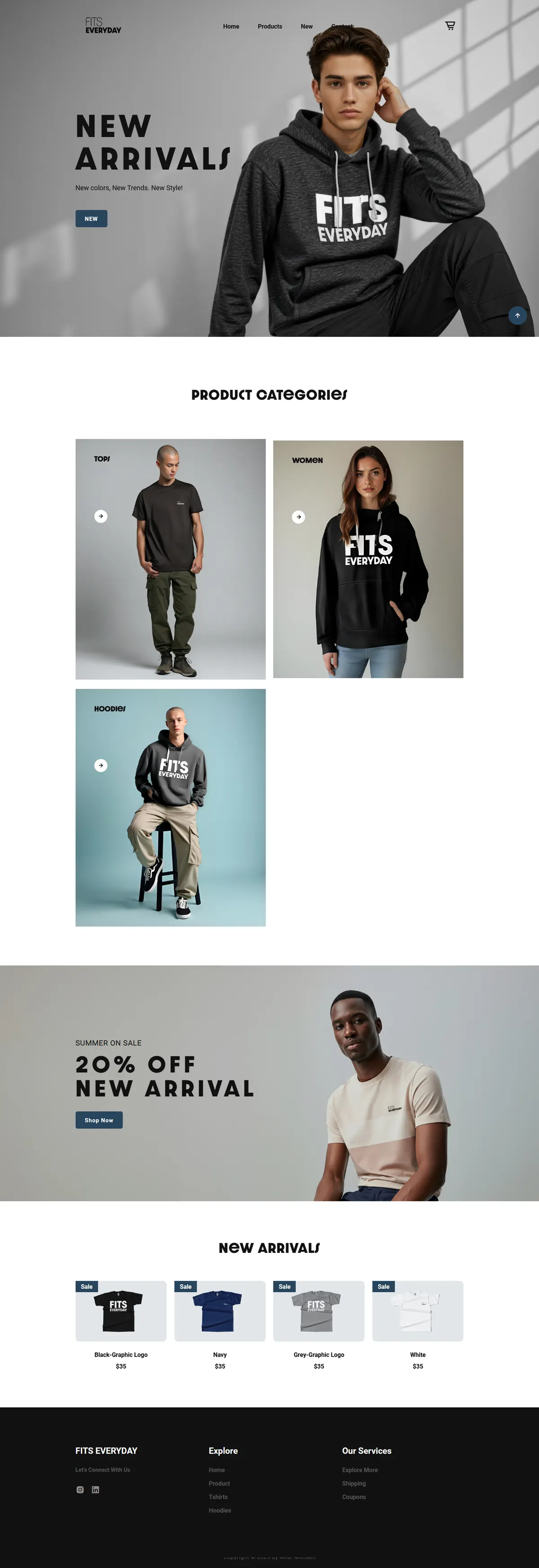
The FitsEveryday homepage, auto-scrolling
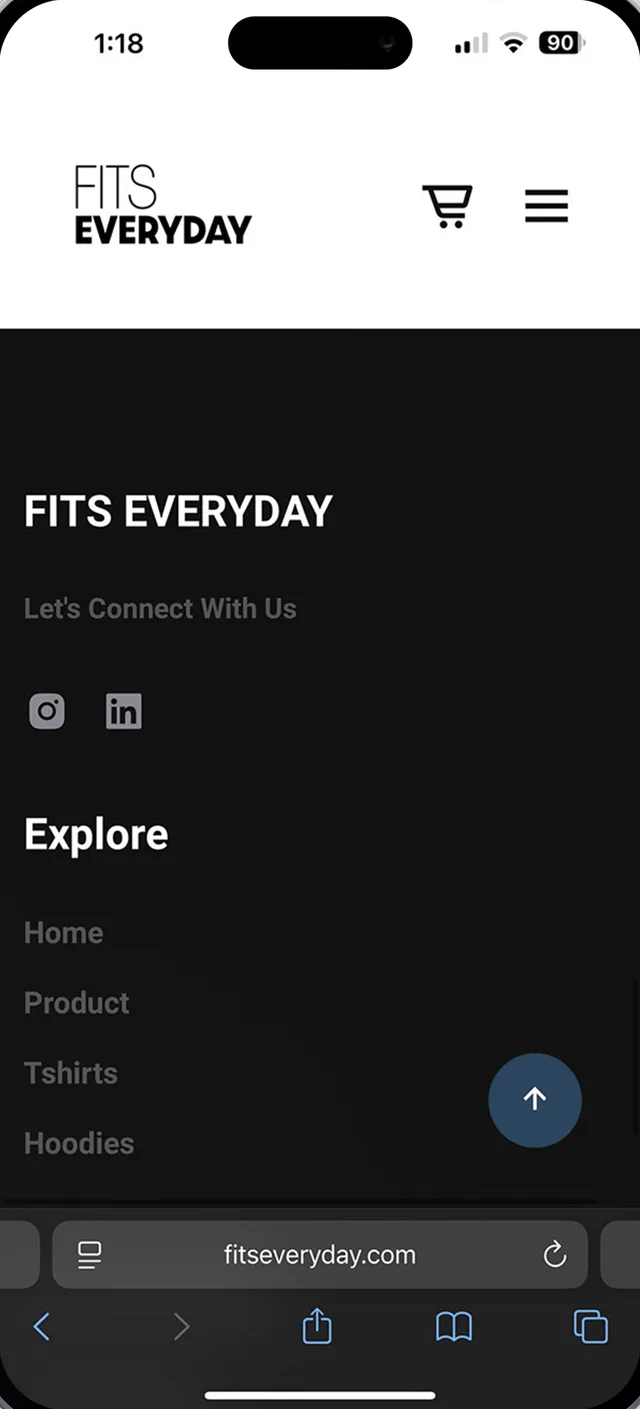
Mobile homepage
My role
Brand designer, UX/UI designer, front-end developer
Timeline
Oct – Dec 2025 · 14 weeks
Context
Individual project, supervised by Prof. Daniel Wong
Stack
Figma, Photoshop, HTML, CSS, JavaScript, cPanel
The 60-second version

At a glance

Problem

How does a brand-new streetwear label stand out online and still offer smooth, responsive shopping, with no team and no budget?

What I did

  • Created the brand: logo, type, apparel graphics
  • Designed the store UI in Figma, from wireframes to final
  • Hand-coded it, then bought the domain and set up hosting

Outcome

  • A live, responsive store at fitseveryday.com
  • One consistent brand from the logo to the product page
  • Shows I can take a design all the way to a live site
01 · The challenge

Three roles, one person.

I wanted to find out what it takes to build a brand and a store from nothing. I used everything available to me: self-taught code, AI help, tutorials and some pre-built templates. I learned the parts I didn't know yet, including domains and hosting, as I went.

Brand designer

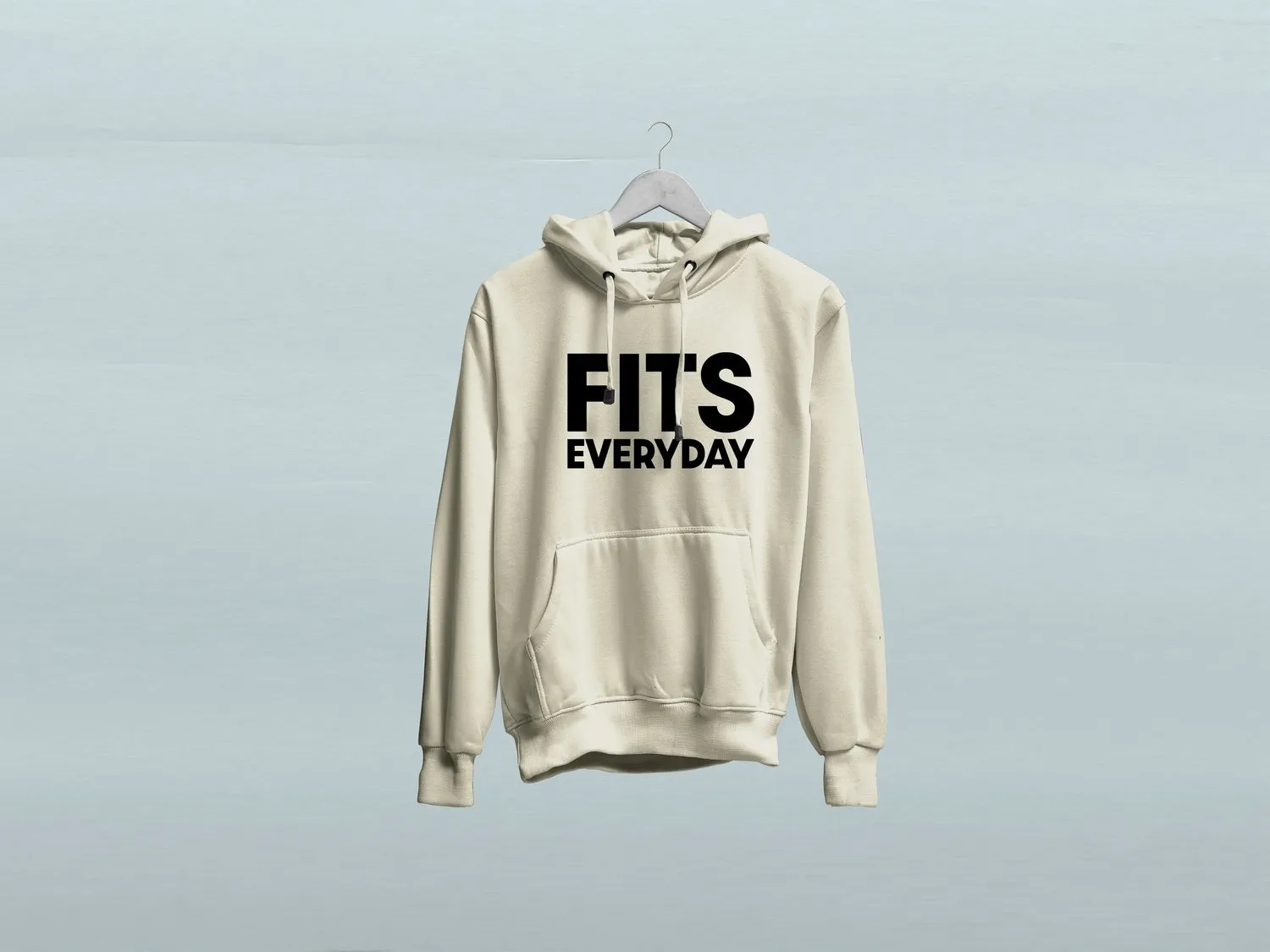
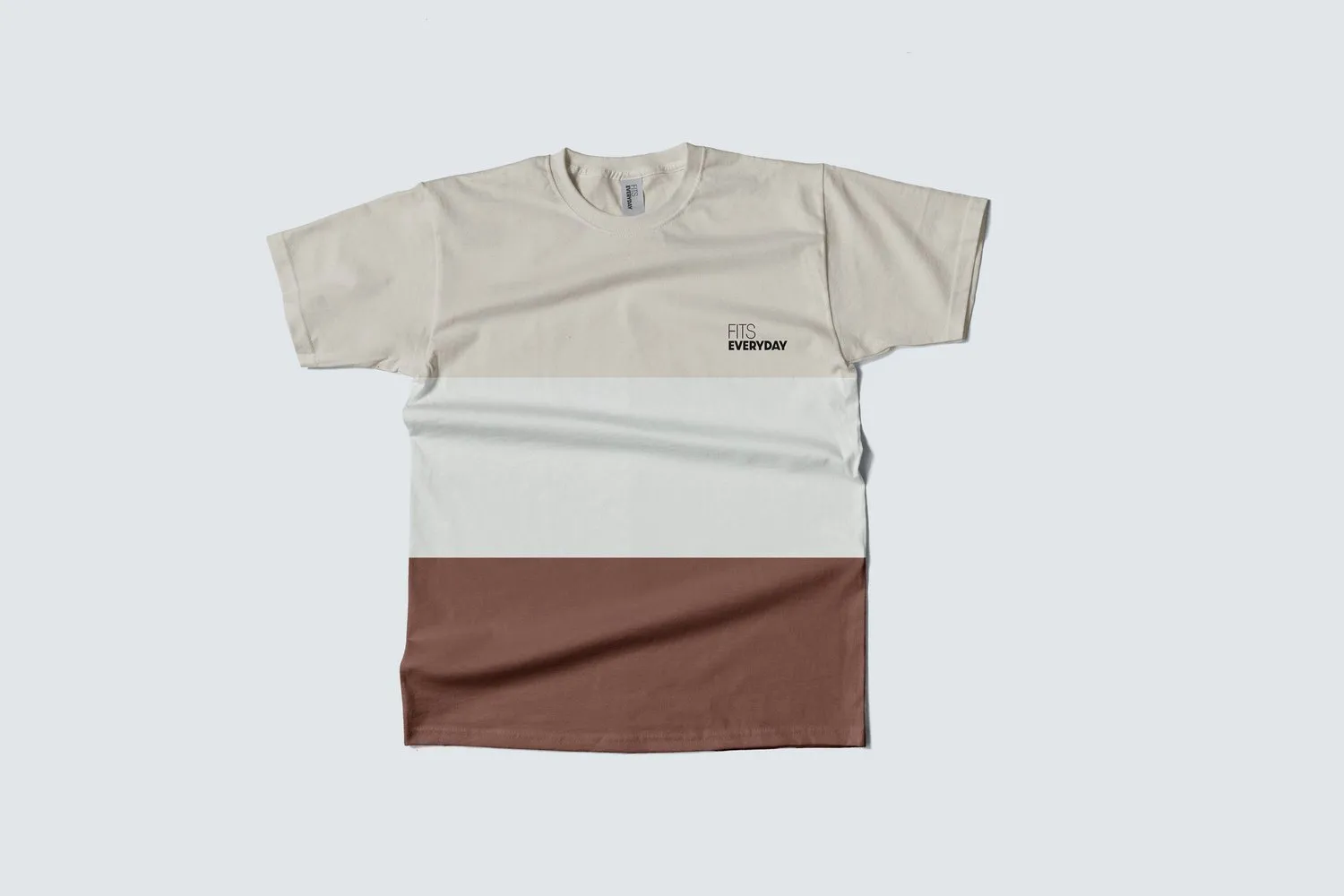
Logo, typography, visual tone, and a line of hoodies and tees with mockups.

UI designer

A clean, responsive layout that fits the brand's bold style without getting in the way of shopping.

Developer

HTML, CSS and some JavaScript for interactions. Domain, cPanel and hosting to put it live.

02 · Brand identity

Casual, clean, and focused on style.

I explored type weights and arrangements of "FITS EVERYDAY" before settling on a stacked wordmark. It's bold enough for a chest print and quiet enough for a nav bar.
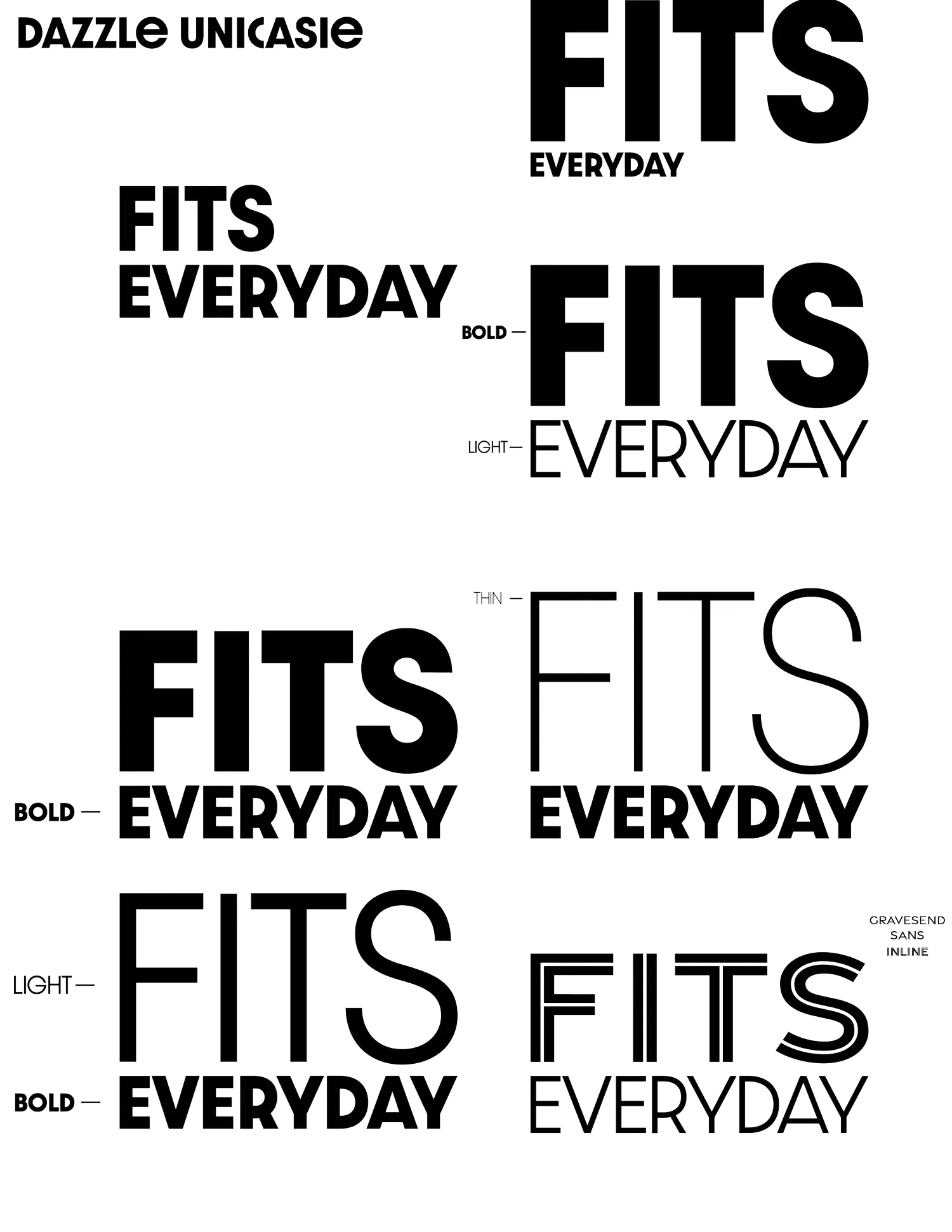
Typography explorations of FITS EVERYDAY in bold, light and thin weights
Wordmark explorations
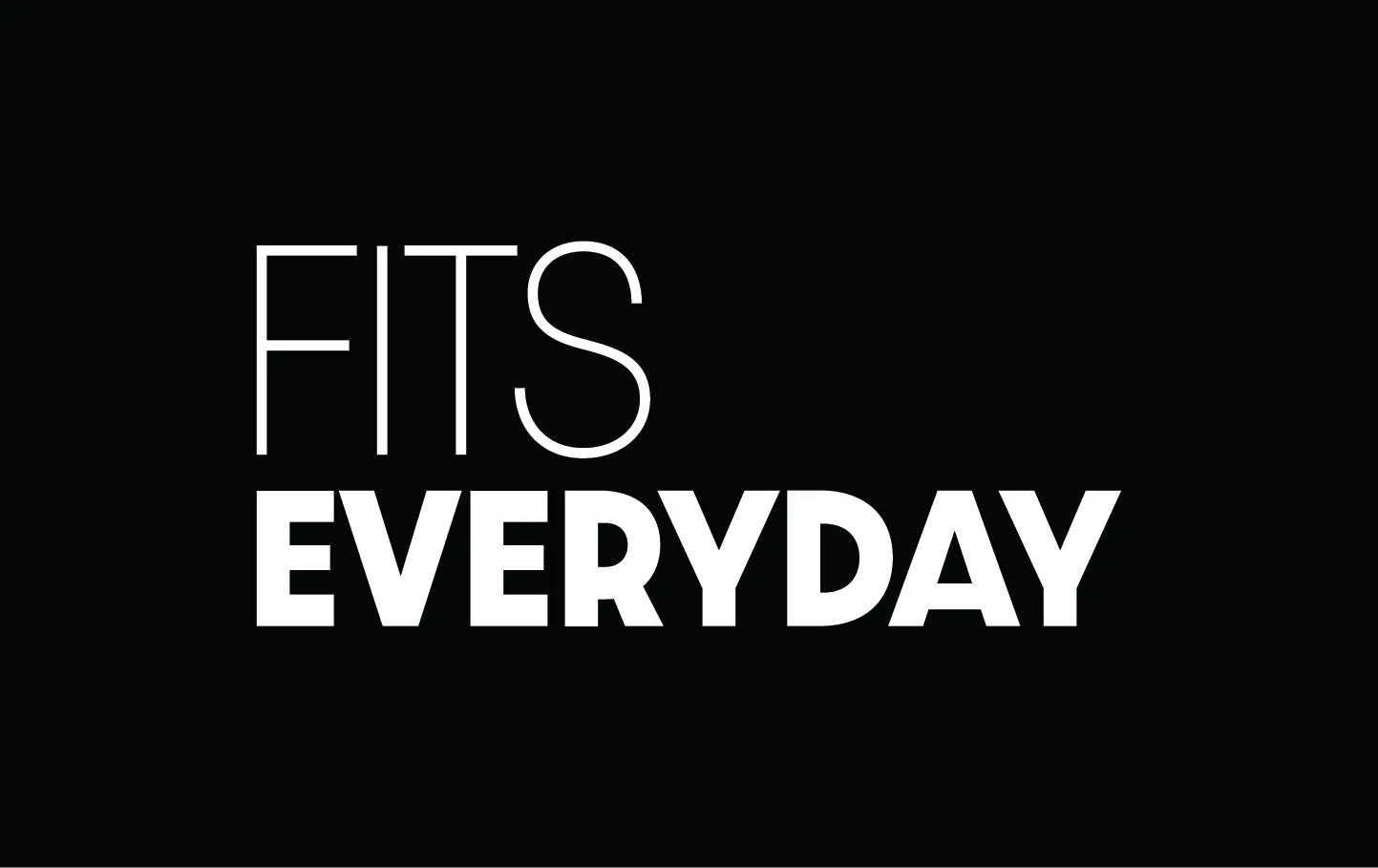
Final FITS EVERYDAY logo, white on black
Final wordmark
Alternate logo color treatment
Color variant
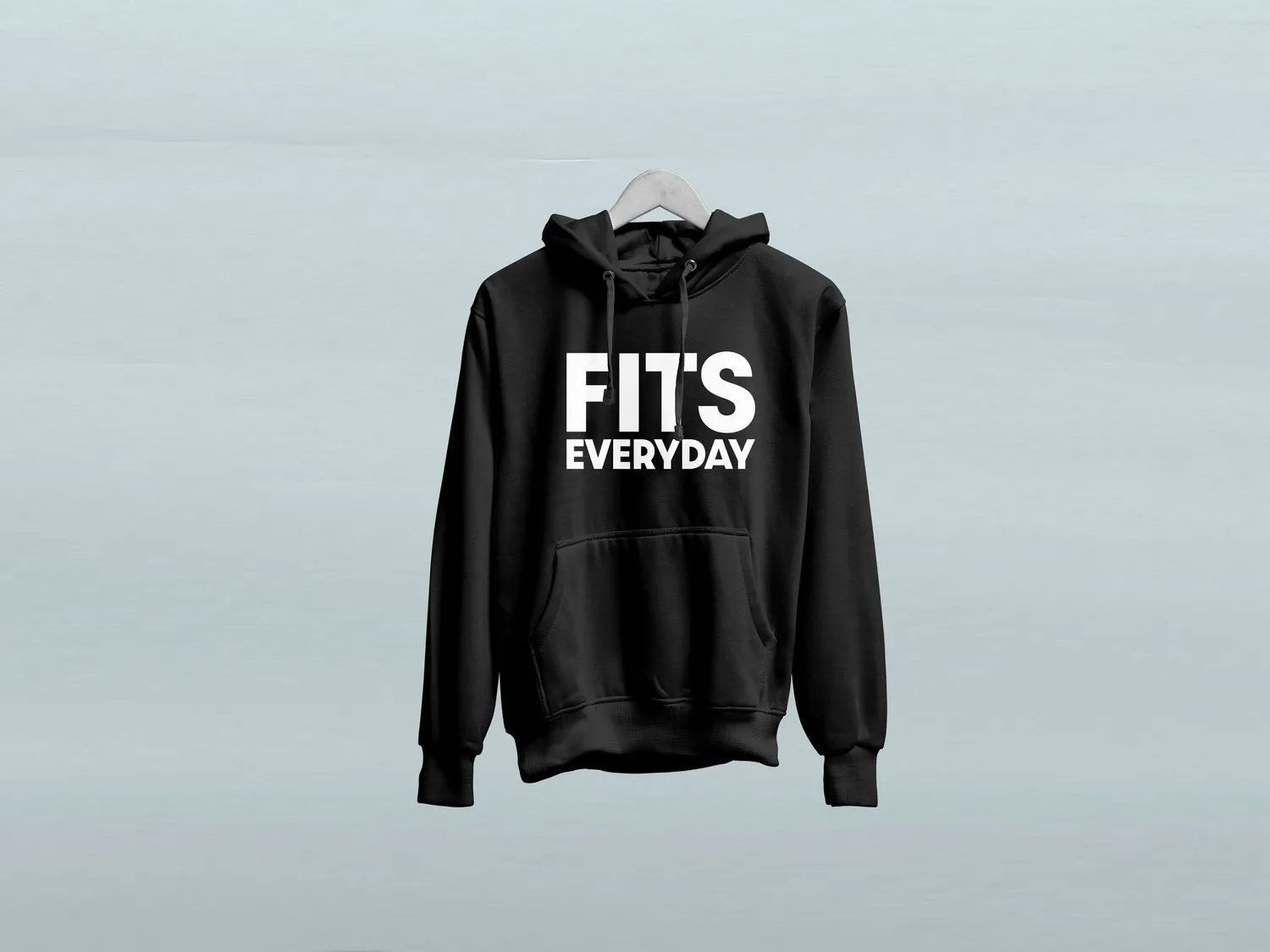
Black hoodie with logo
Cream hoodie with black logo
Color-block t-shirt
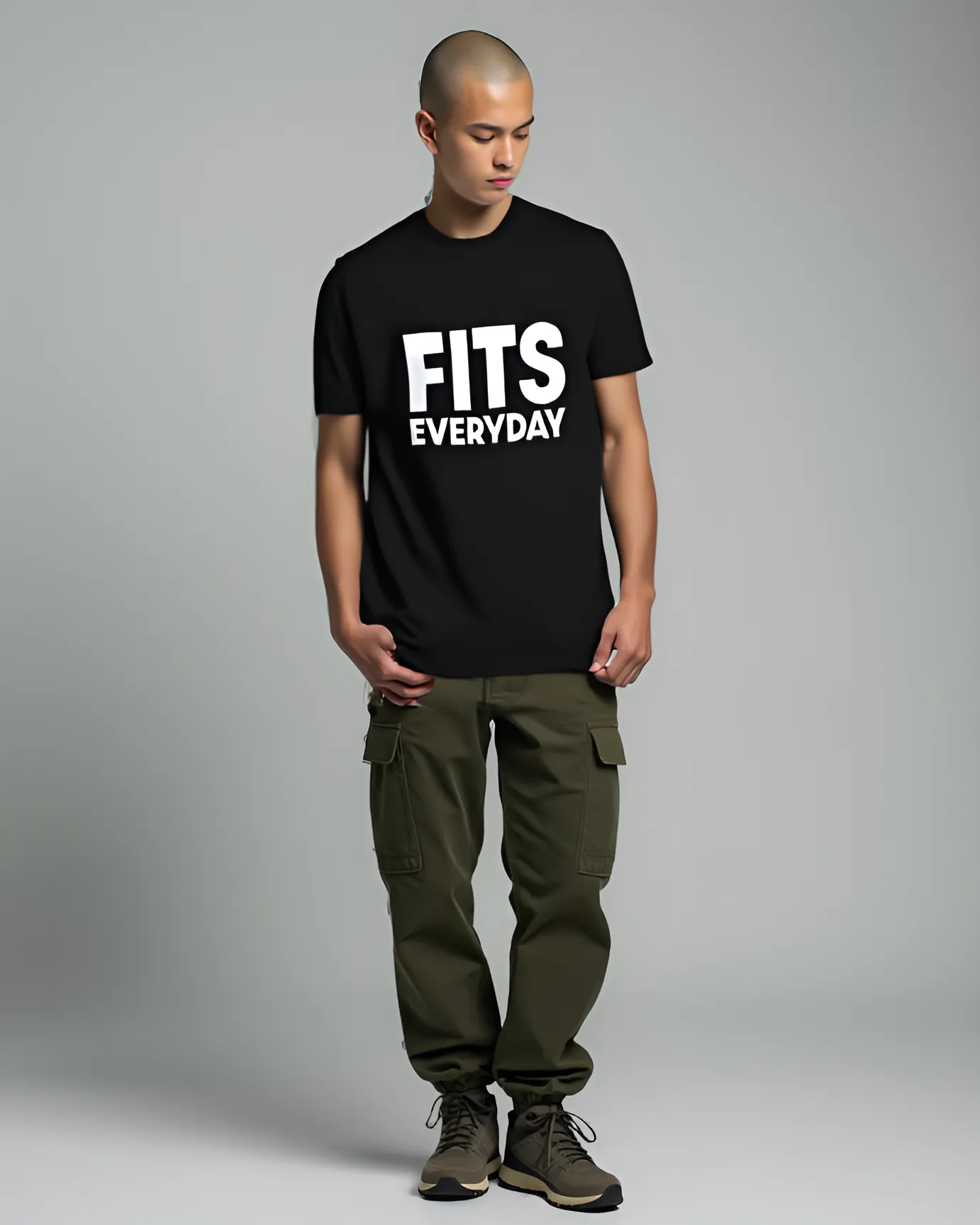
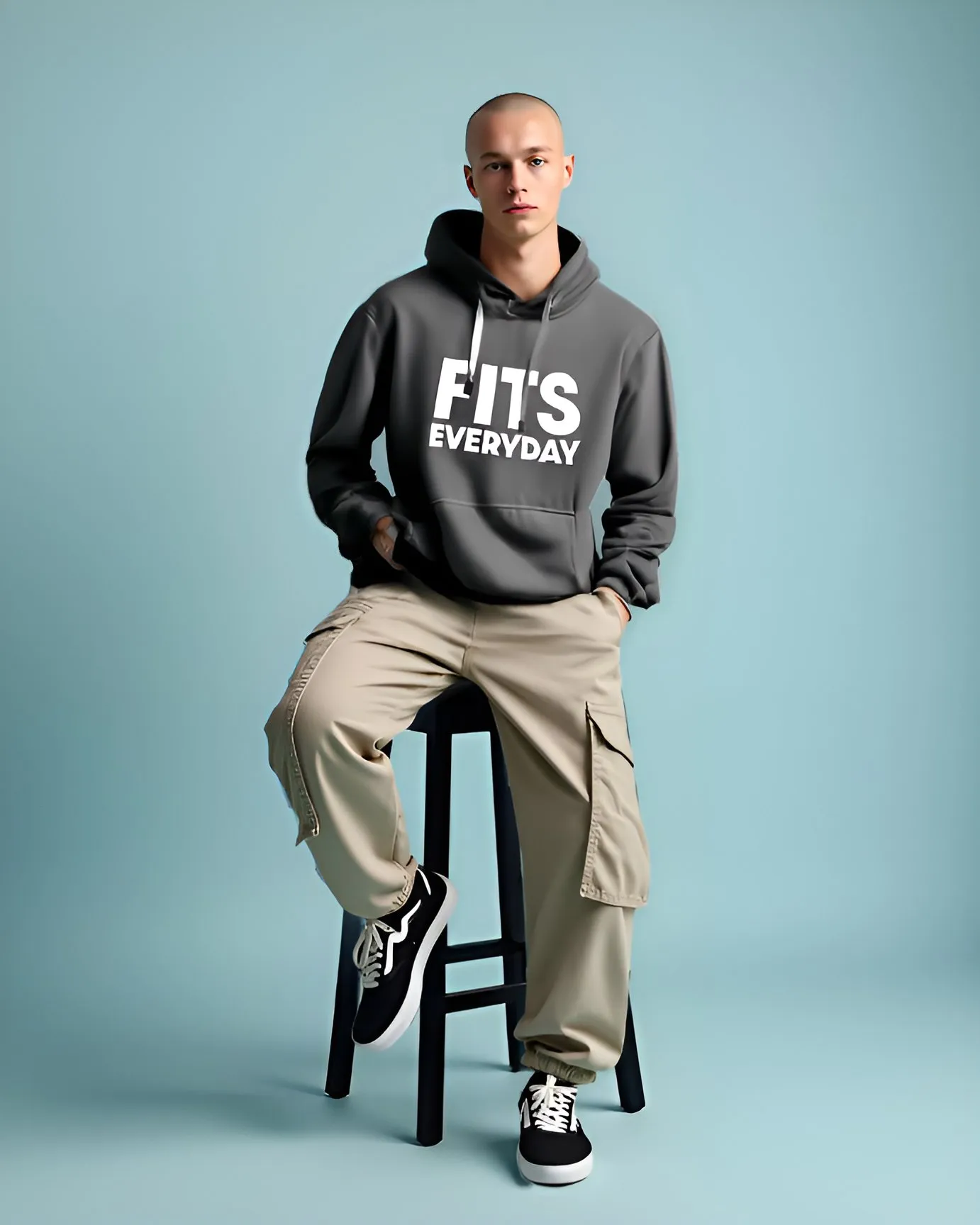
AI-generated models, retouched by hand.

To show the clothes being worn, I generated model images with AI and retouched them in Photoshop. I also recreated an editorial photo so it featured my own design. I left some small imperfections on purpose, because the focus of the project was the web design and branding.
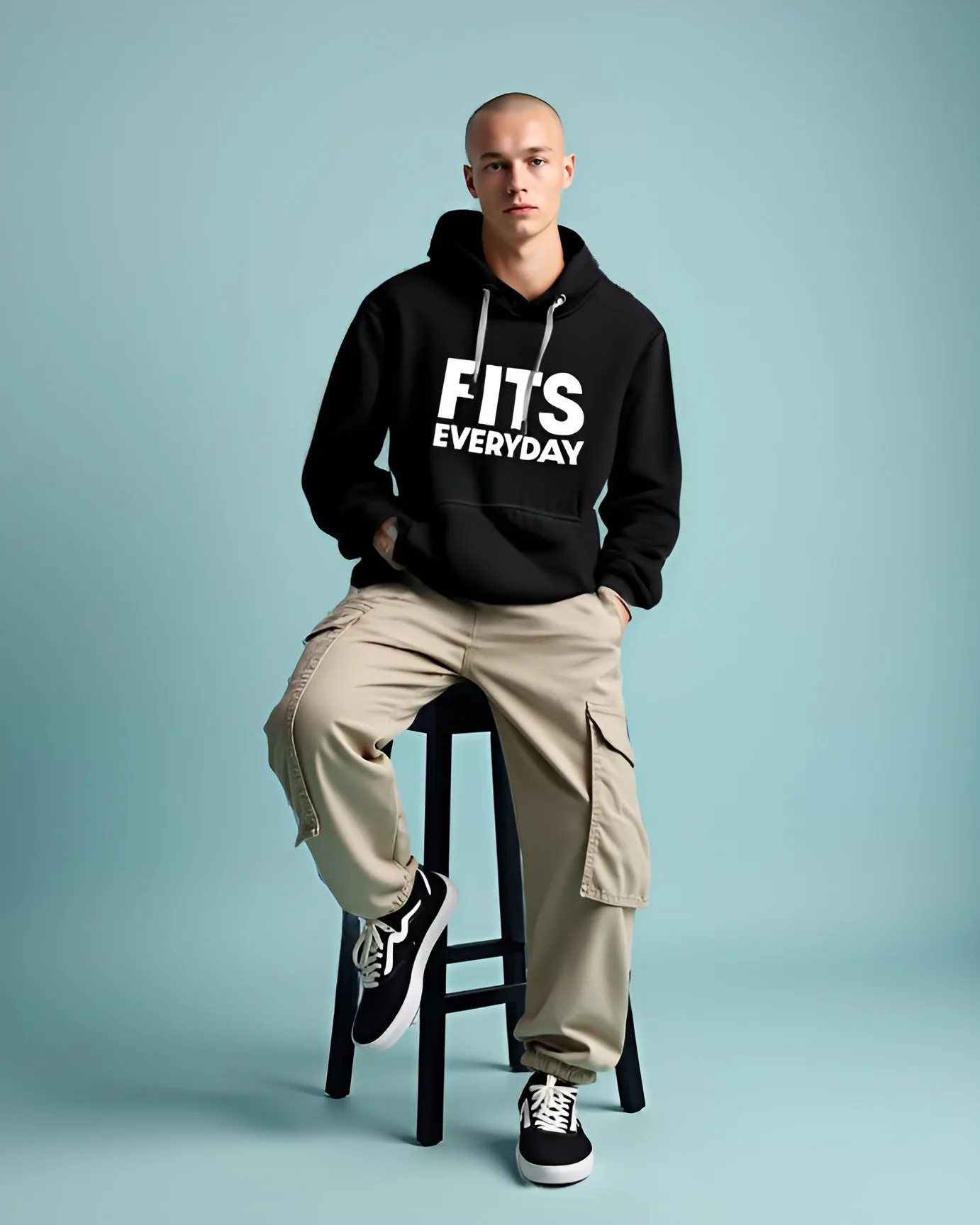
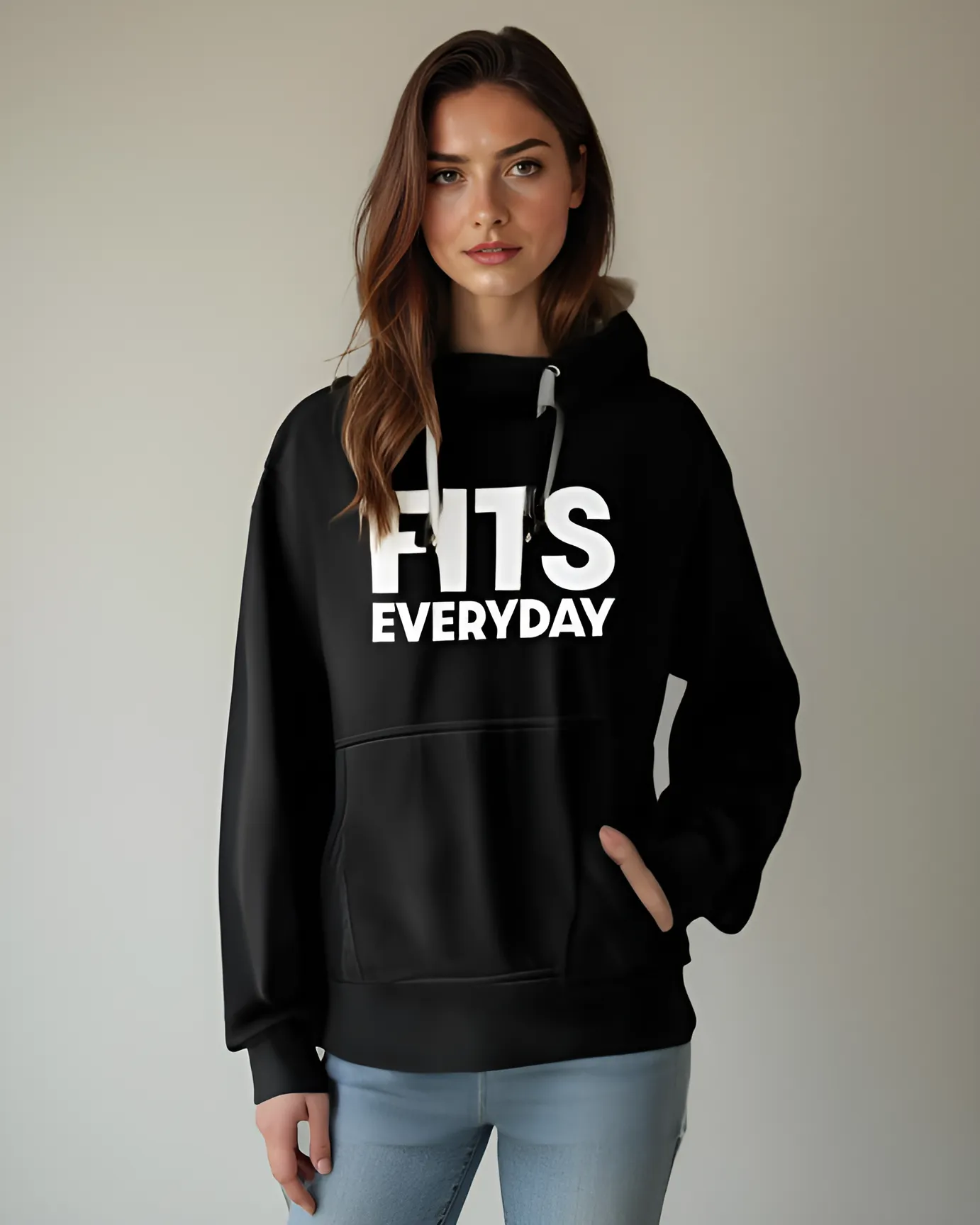
Model wearing black FITS hoodie Model wearing black hoodie Model in black graphic tee Model in grey hoodie on a stool
03 · Design → build

Quick Figma sketches, then straight to code.

01

Wireframe

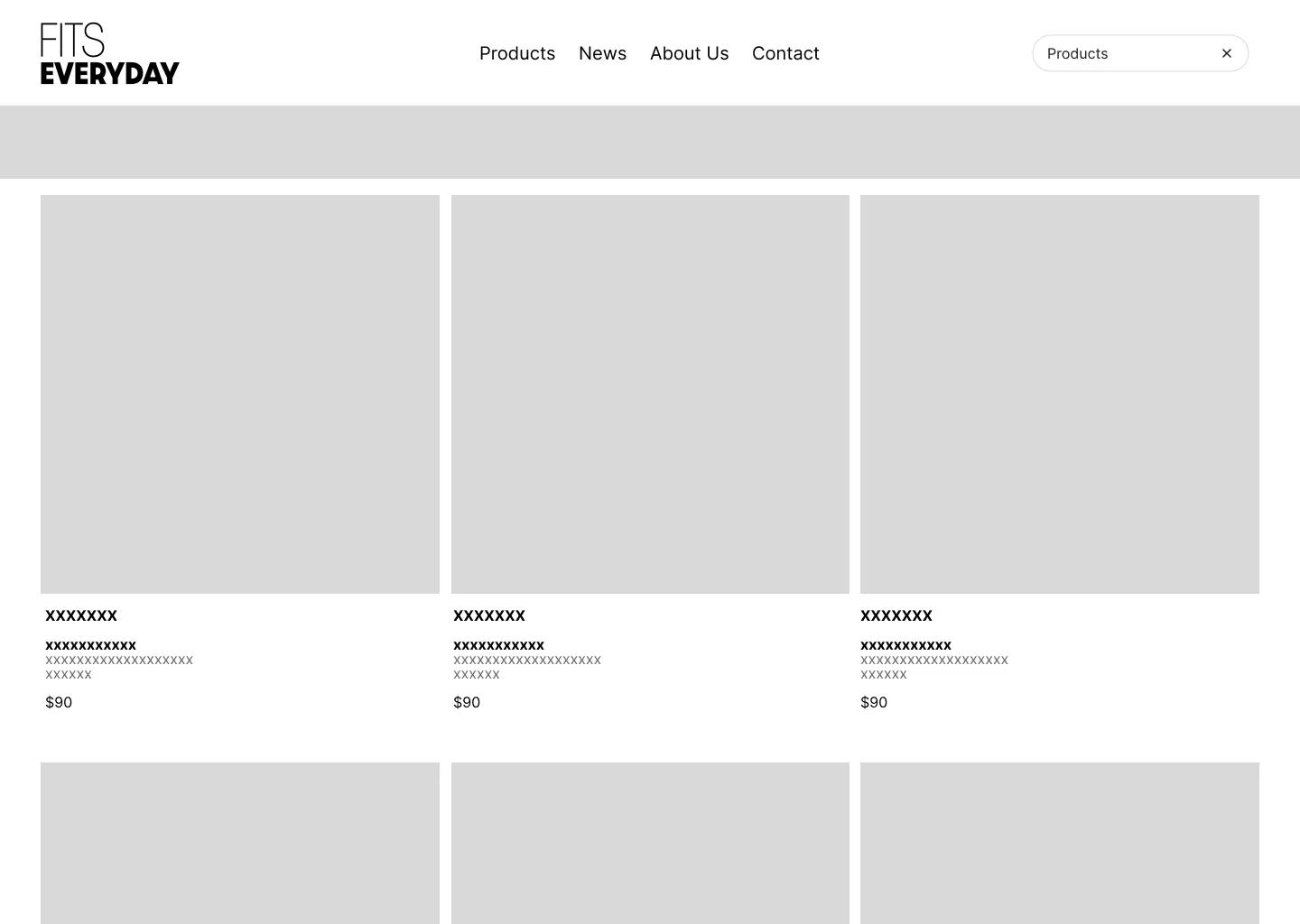
Low-fidelity Figma layouts for the home, product and about pages.

02

Brand

Wordmark, type, color and apparel graphics.

03

Build

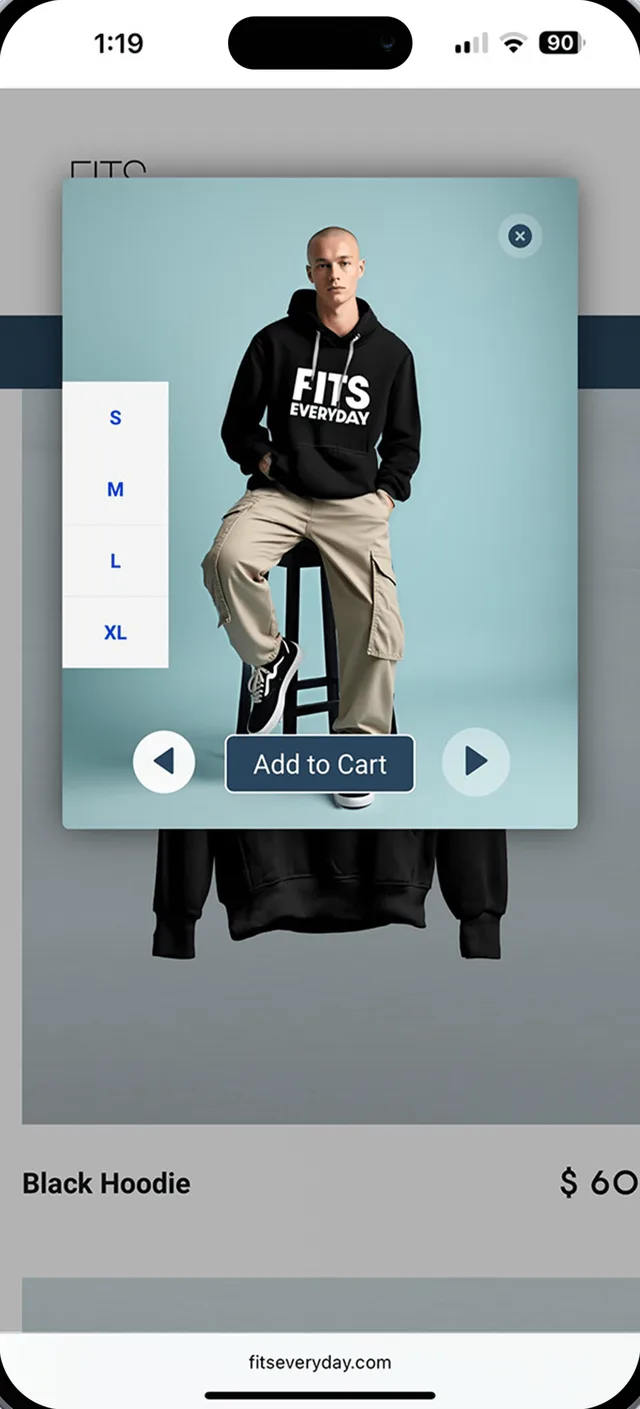
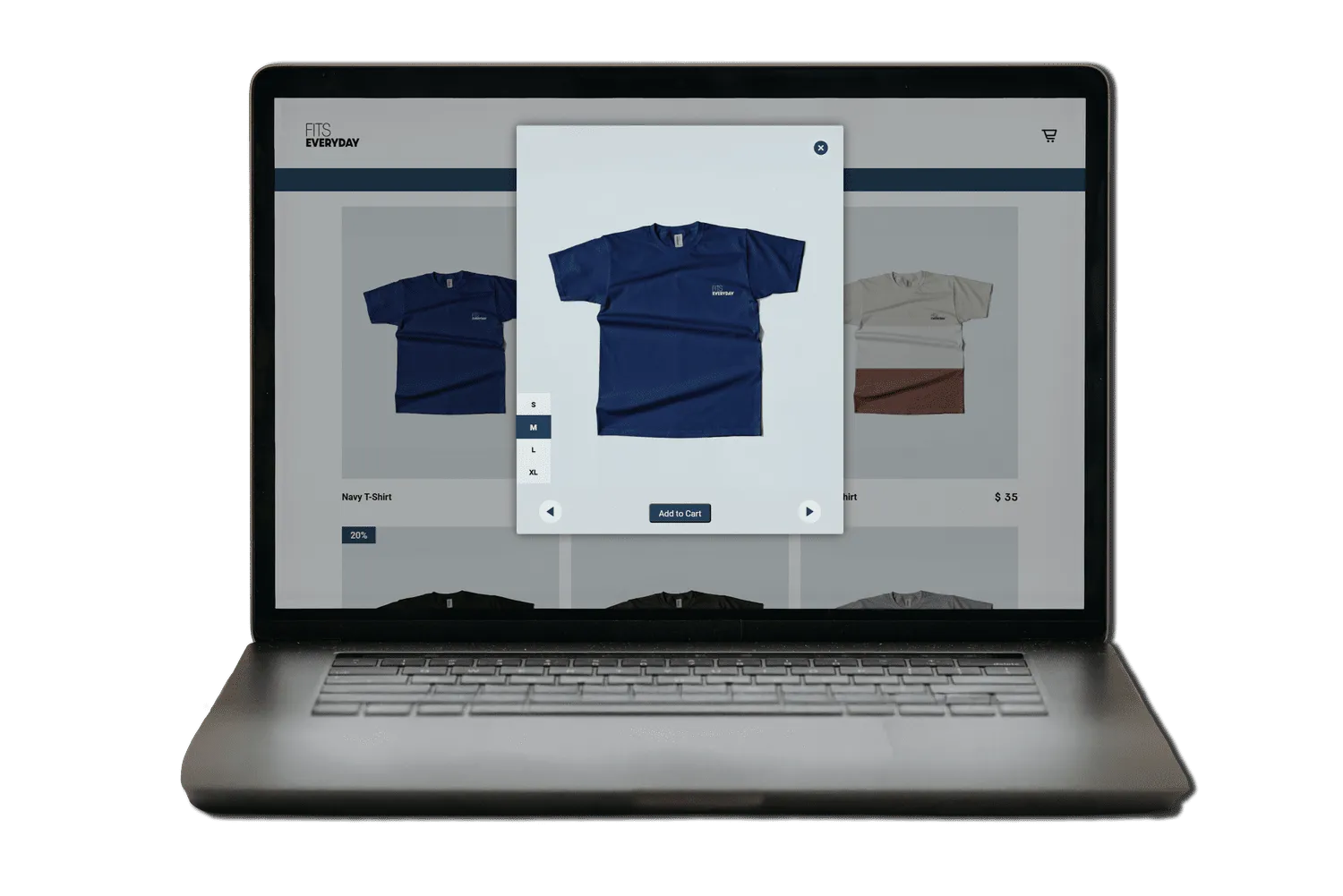
Hand-coded HTML and CSS, with JavaScript for interactions like the add-to-cart lightbox.

04

Launch

Bought the domain, configured cPanel and hosting, and went live.
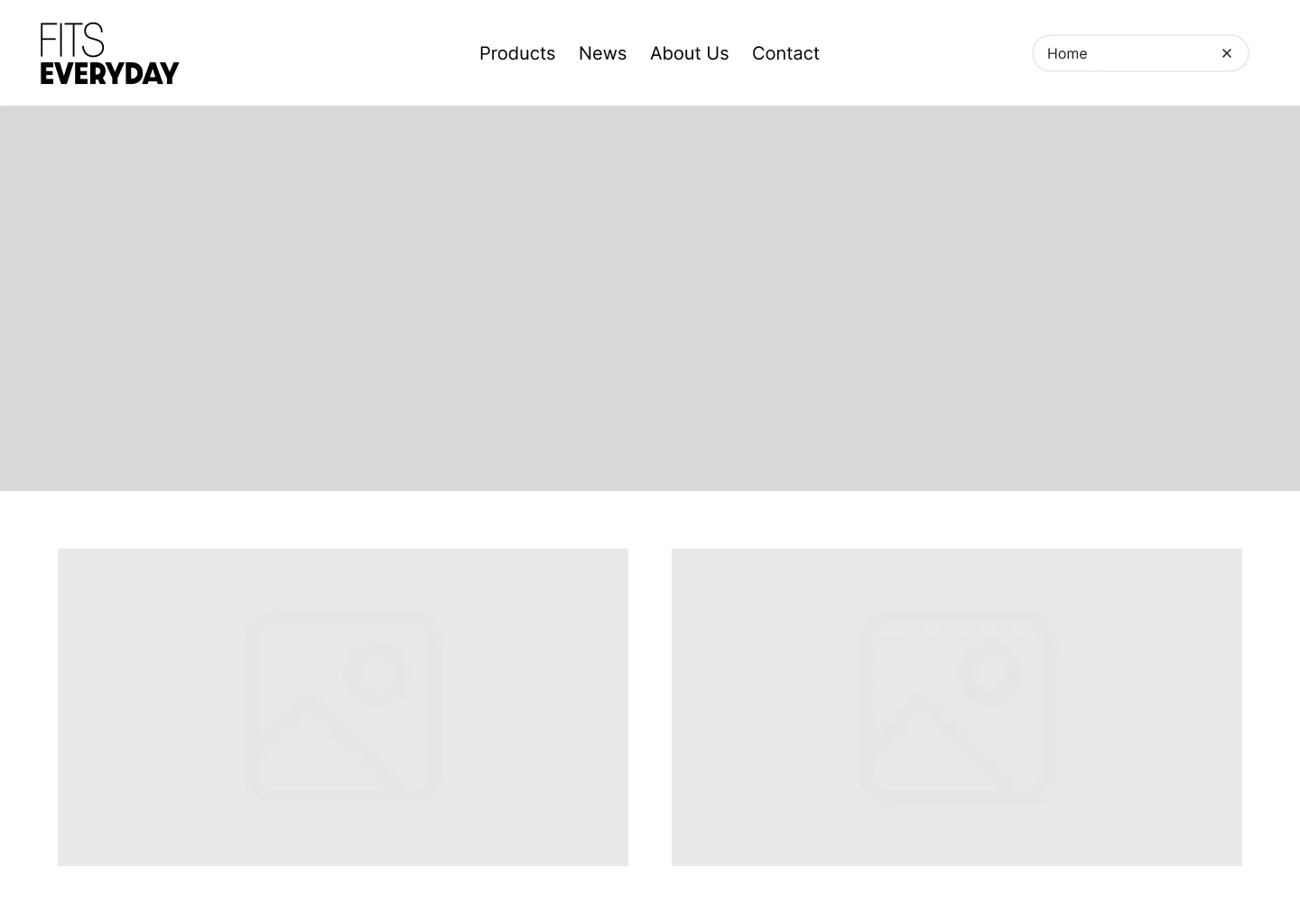
Low-fidelity wireframe of the home page
Home wireframe
Low-fidelity wireframe of the products page
Products wireframe
Try it

Build your fit.

Pieces from the real FitsEveryday line. Mix them the way the store's product pages let you.

04 · UI decisions

Every page has one job.

HomepageA strong first impression with one clear call to action.

Bold type, a single focused CTA and simple navigation lead visitors straight to new arrivals and categories.

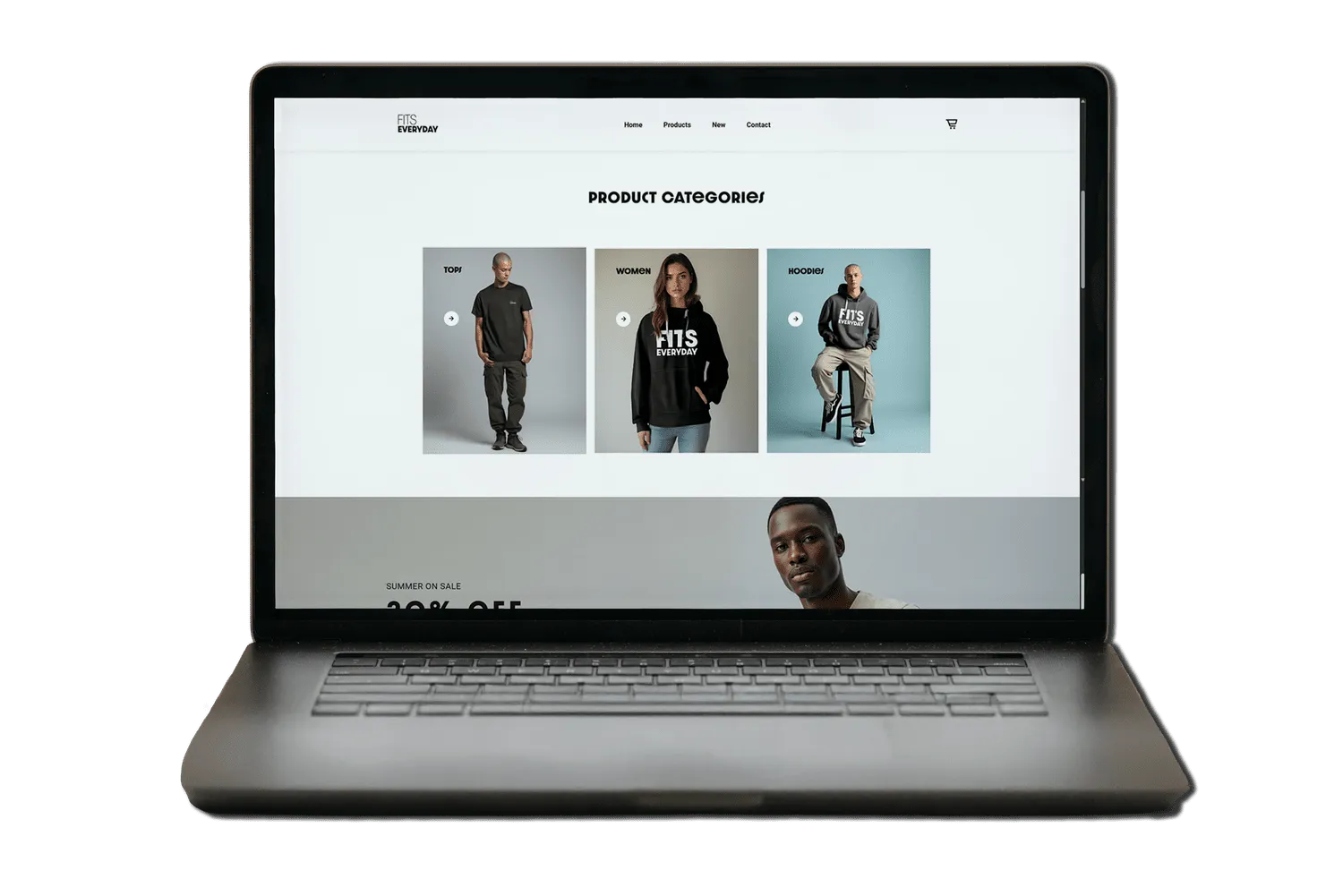
CategoriesBalanced and easy to scan.

A centered layout with tiles of equal size and plain labels invites browsing without overwhelming people.

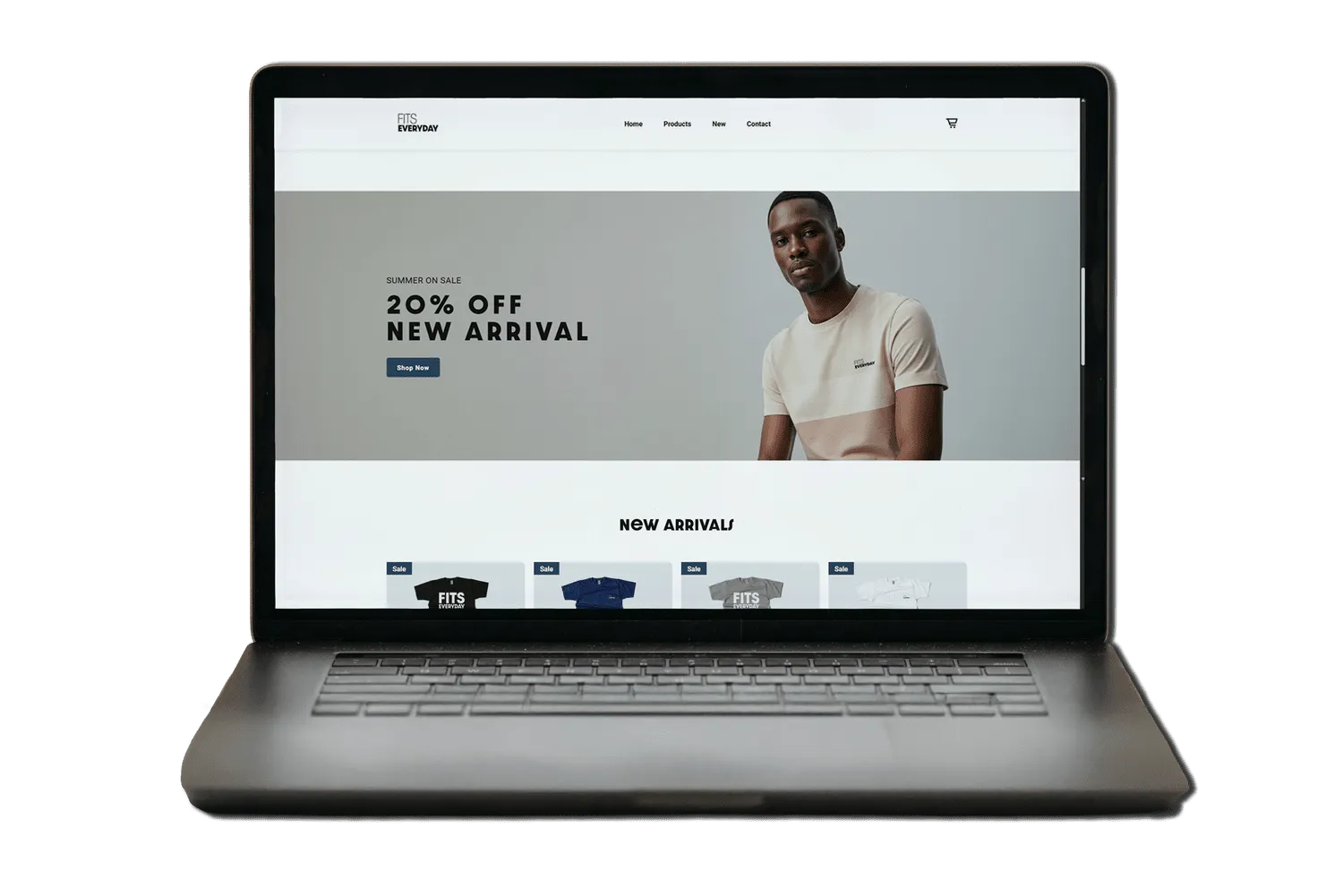
PromotionThe discount is the hero.

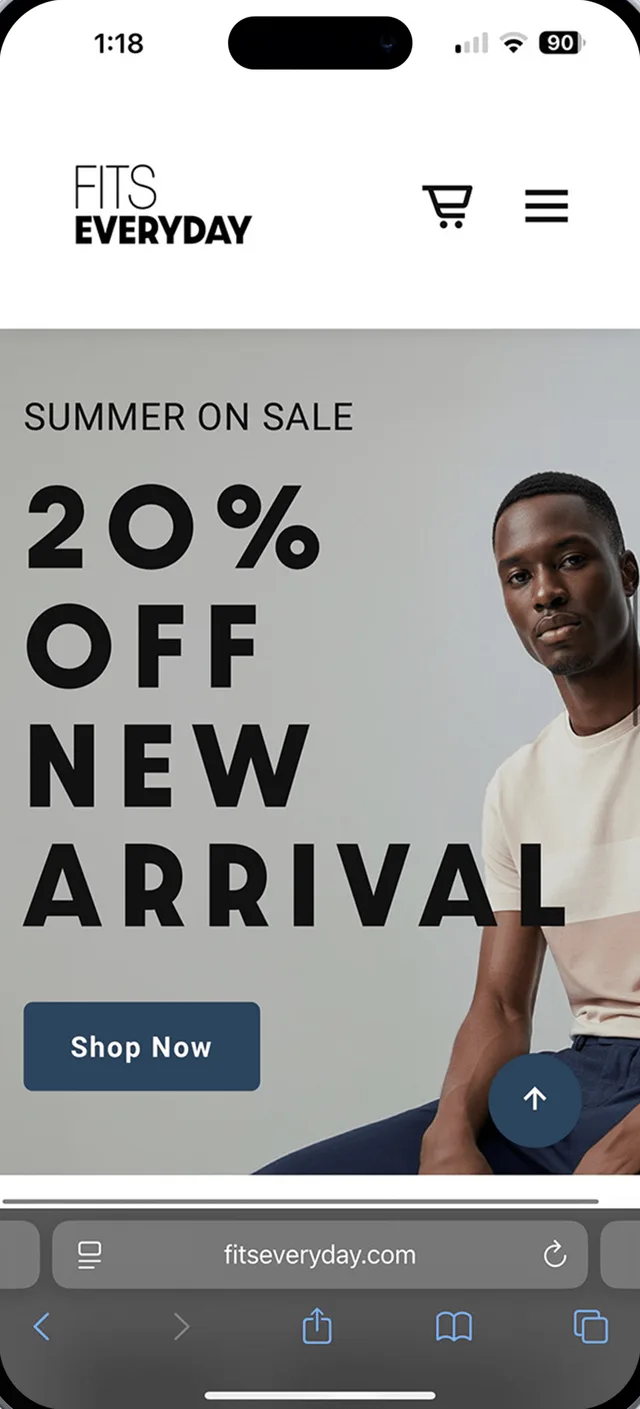
A clear hierarchy keeps attention on the sale message, then leads people into the products below. It's designed to convert.

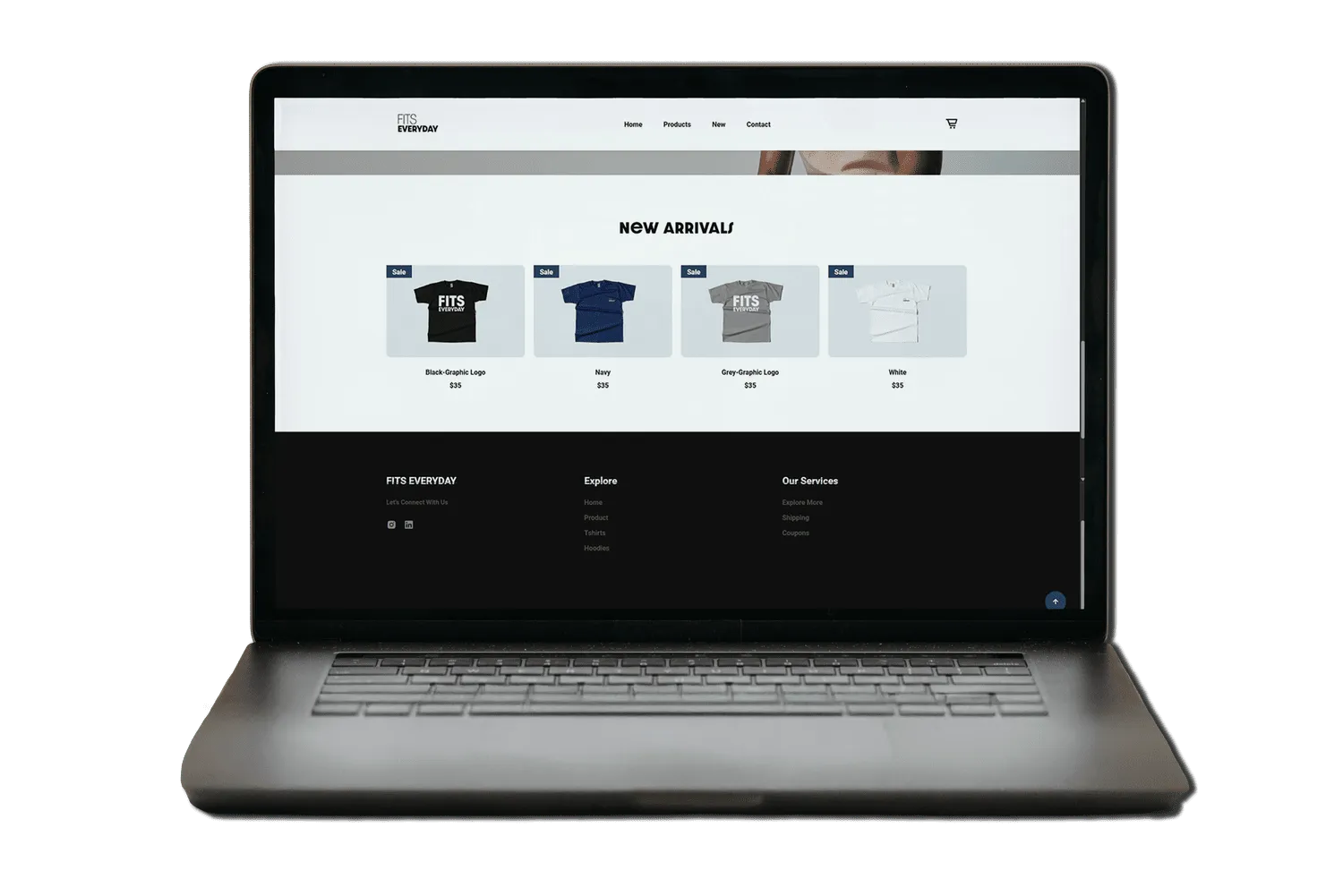
Product gridEasy to compare.

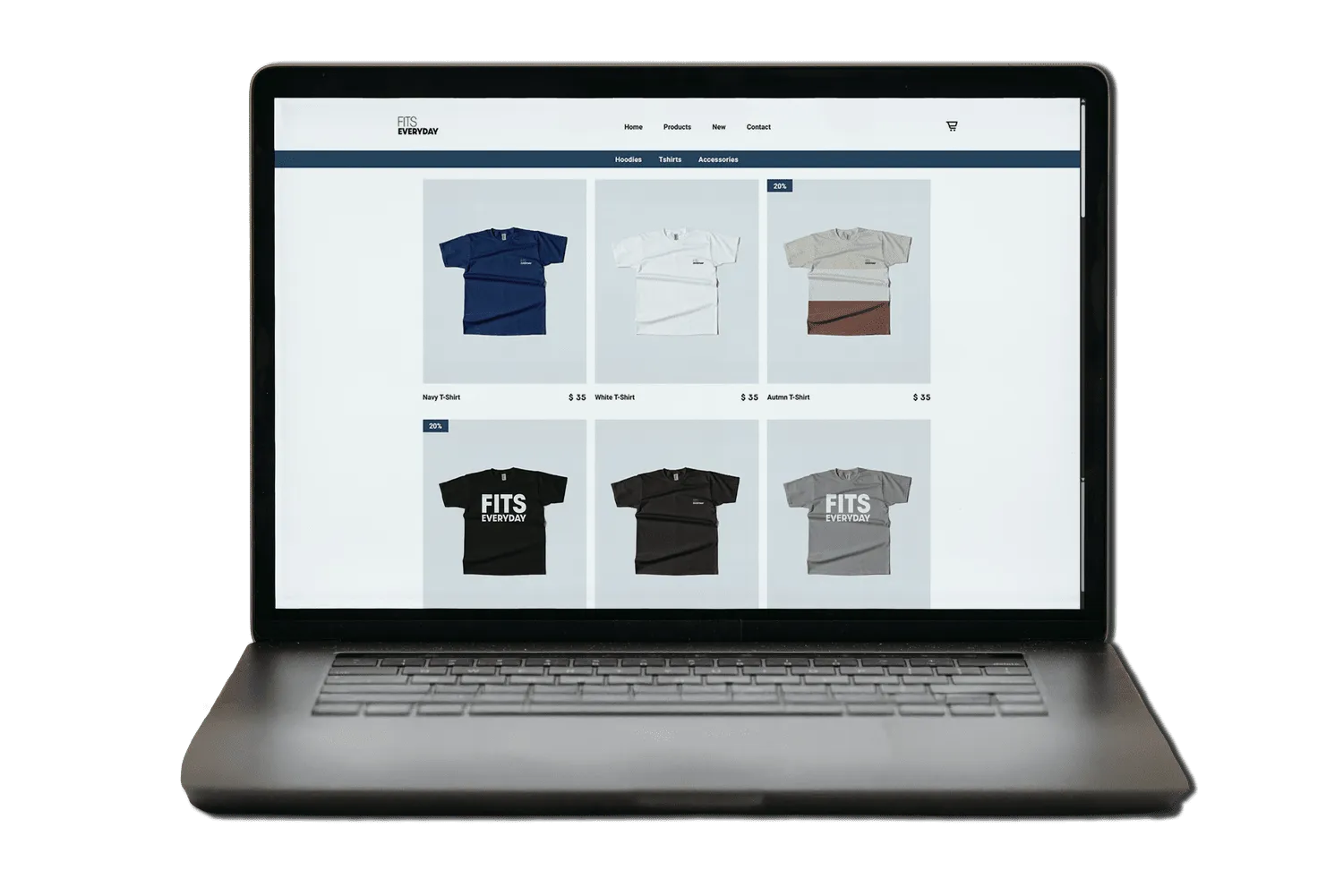
Consistent spacing, clear prices and "Sale" tags that stand out. Category tabs make filtering obvious.

CartA quick-add lightbox.

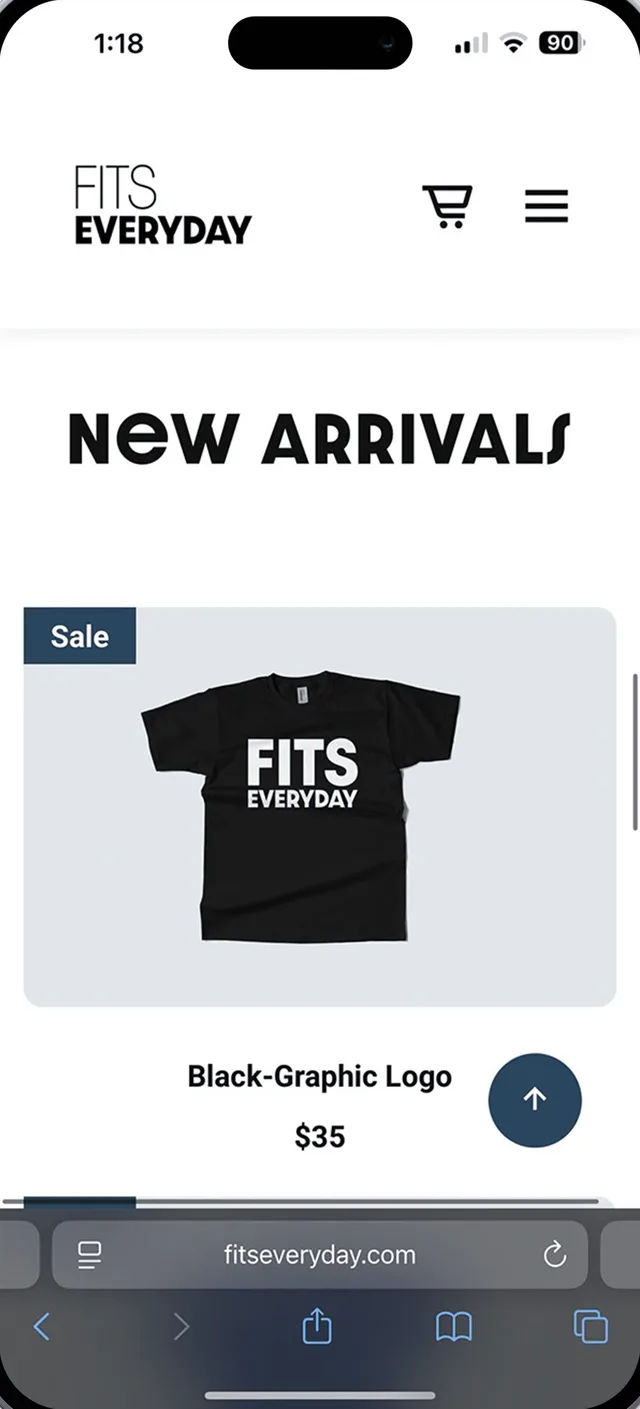
Choose a size and add to cart without leaving the grid, so browsing isn't interrupted.
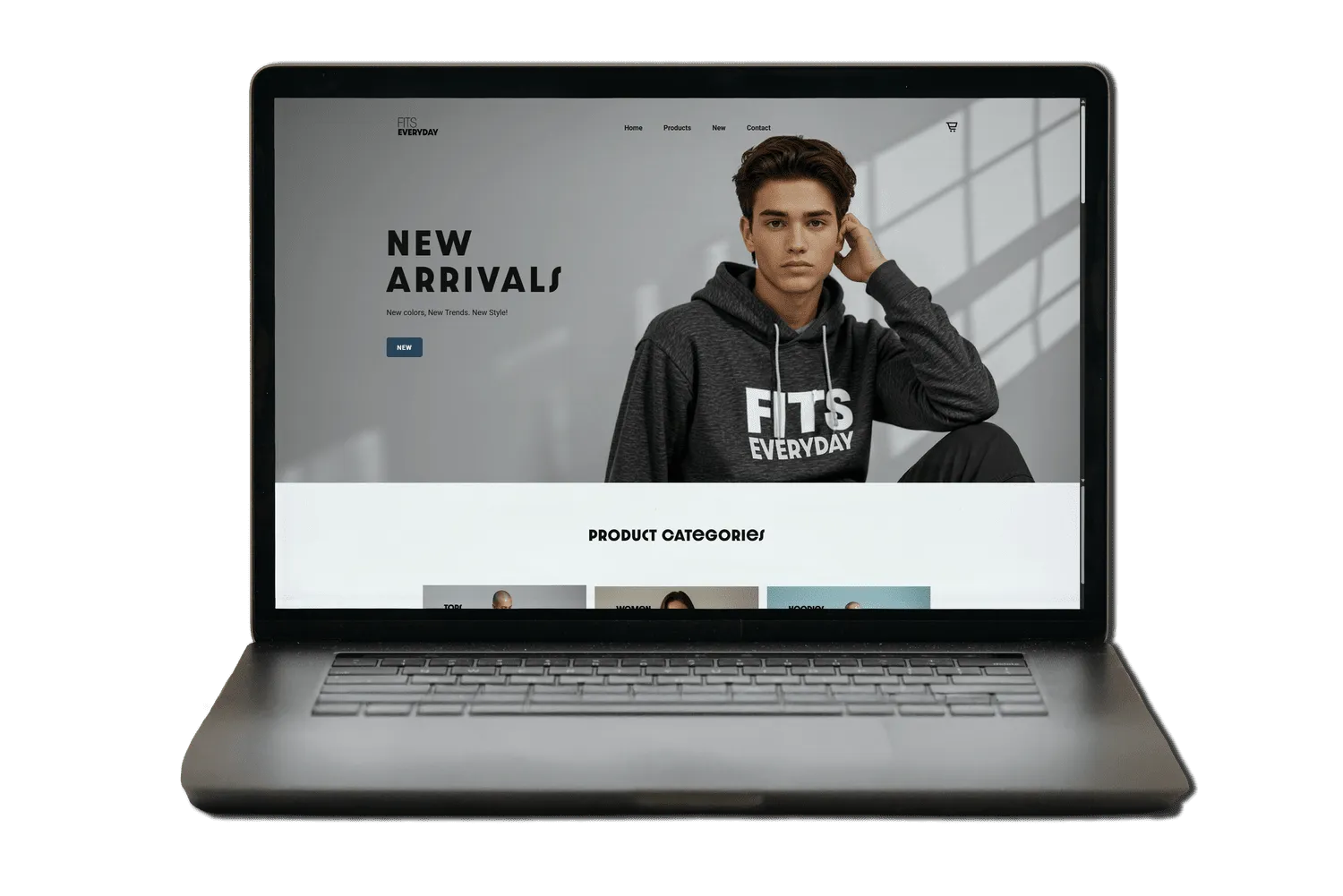
Homepage on a laptop Product categories on a laptop Sale promotion on a laptop New arrivals grid on a laptop T-shirts page on a laptop Add to cart lightbox on a laptop
05 · Responsive

The same brand on every screen.

Mobile home
Mobile new arrivals
Mobile add to cart
Mobile sale banner
Mobile menu
06 · Reflection

What shipping taught me.

What I learned

  • Constraints are design inputs. What I could build changed what I designed, and that kept it realistic.
  • "Done" includes the boring parts. DNS, hosting and image weights are part of the user experience.

What I'd do next

  • Test the checkout flow with real shoppers and measure where they drop off.
  • Add analytics to see which categories and promotions actually convert.
  • Replace the AI model photos with a real photoshoot.